












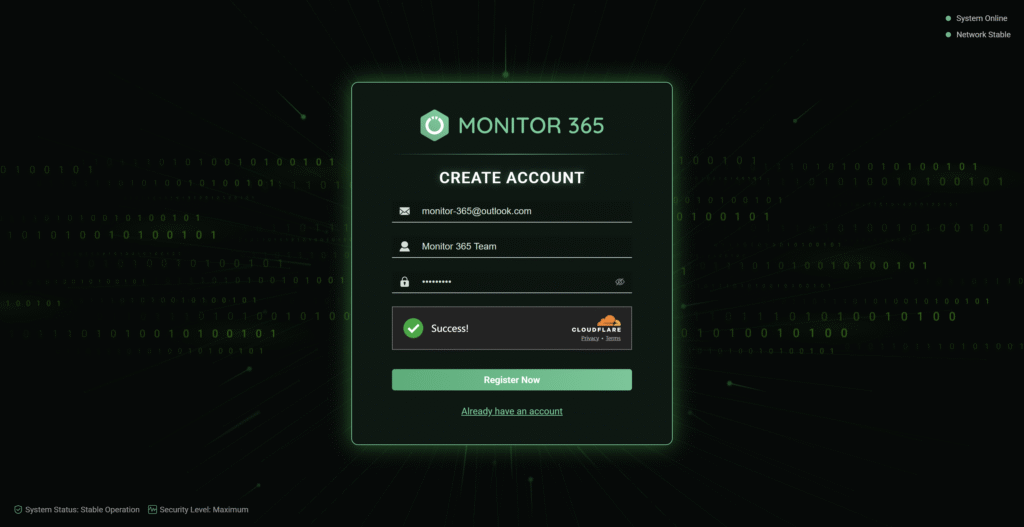
Step 1: Account Creation
Enter valid email address, username, and set a secure password(8-16 characters with numeric, alphabetic & special symbols). Then click “Register Now” to trigger activation email.
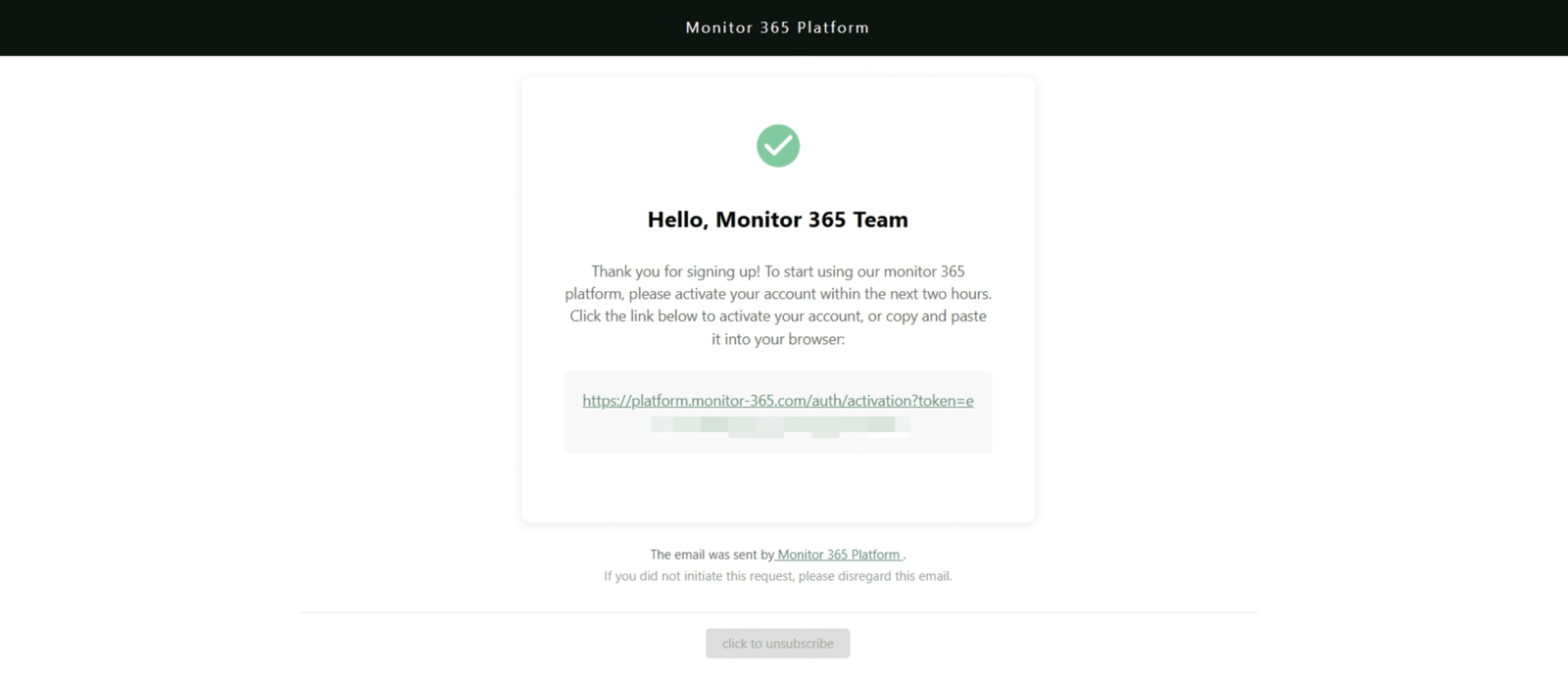
Step 2: Email Verification
Check inbox for “register” system email(If not found, inspect spam/junk folders). Click verification link within 2 hours to confirm account ownership.
Step 3: Secure Login
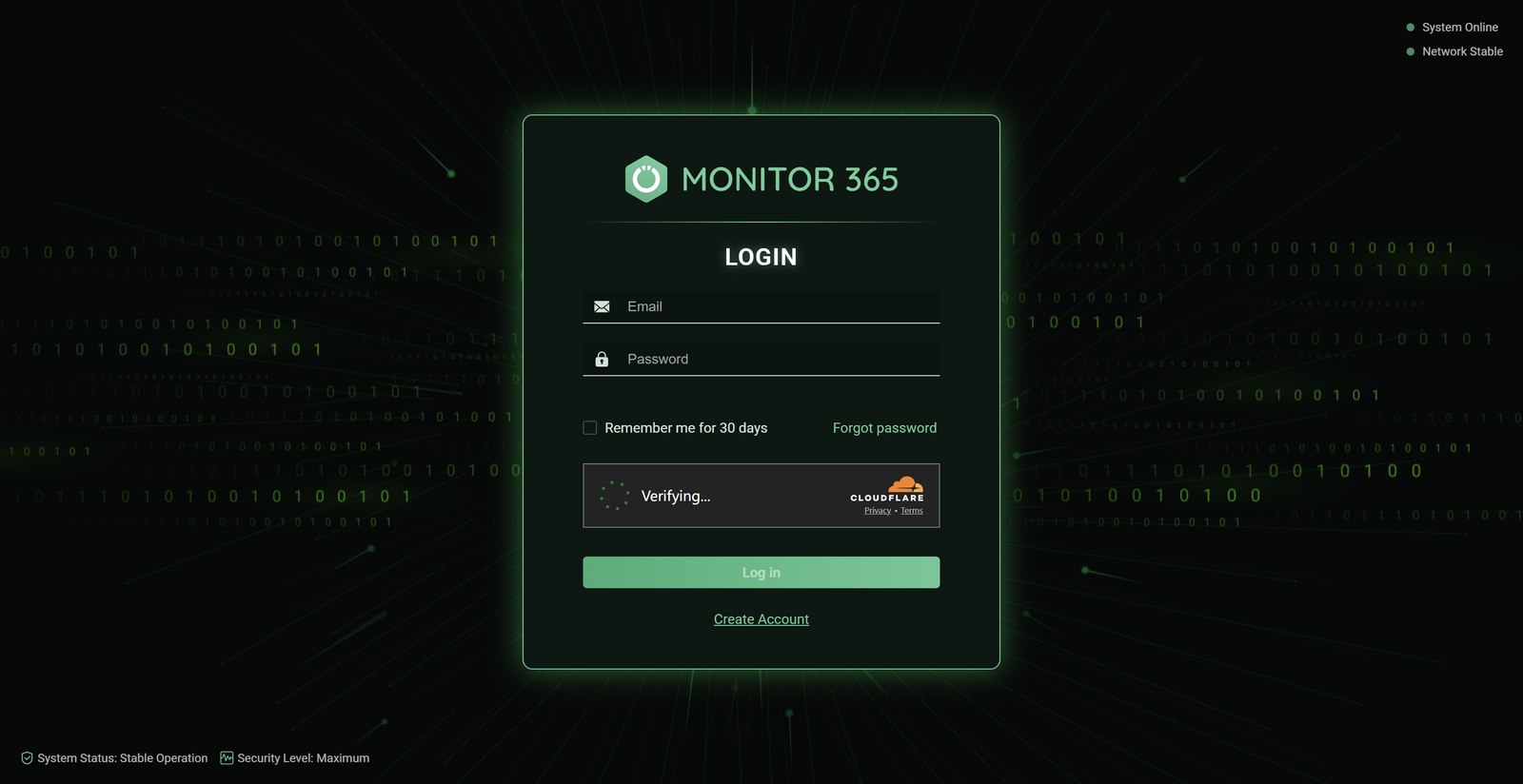
Successful activation will automatically redirect you to the login page. Enter registered email & password, complete human verification and click “Log in” to access platform.
Troubleshooting Tips
▸ No activation email? Use Resend Verification function
▸ Link expired? Re-register with same credentials
▸ Locked account? Contact monitor-365@outlook.com
All features free for life for the first 500 users!
Sleep easy—your website is always protected!